


Software written by myself
You will find software written by myself on this page, which you can download for free! Everything needed, like system requirements, as well as a brief description of the software is included.
Enjoy it! 
Table of contents
Windows8.1To8RPConverter
also known as Windows 8.1 to Windows 8 Release Preview Converter,
or Windows 8.1 to 8 RP Converter
Description
This program converts your installation of Windows 8.1 to Windows 8 Release Preview—also known as Windows 8 RP, Windows 8 Build 8400, Windows 8 Release Candidate or Windows 8 RC. It does that by applying a theme created for Windows 8.1 which looks almost like that version of Windows, but it also installs programs you can choose from, as well as it applies two system files called UIRibbon.dll and UIRibbonRes.dll which help to make Windows 8.1 look even closer to 8 RP.
Pictures
Please click on a picture to enlarge it
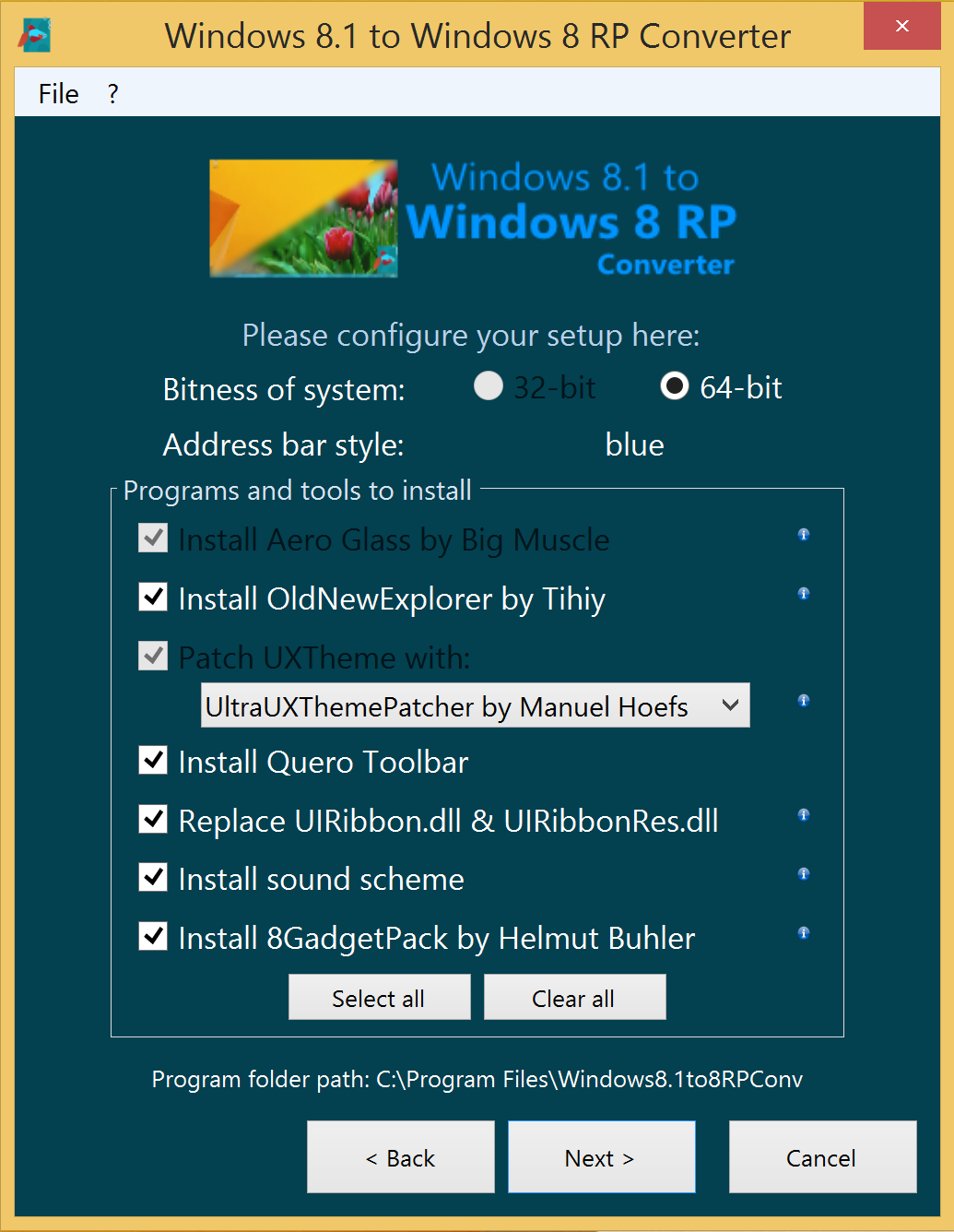
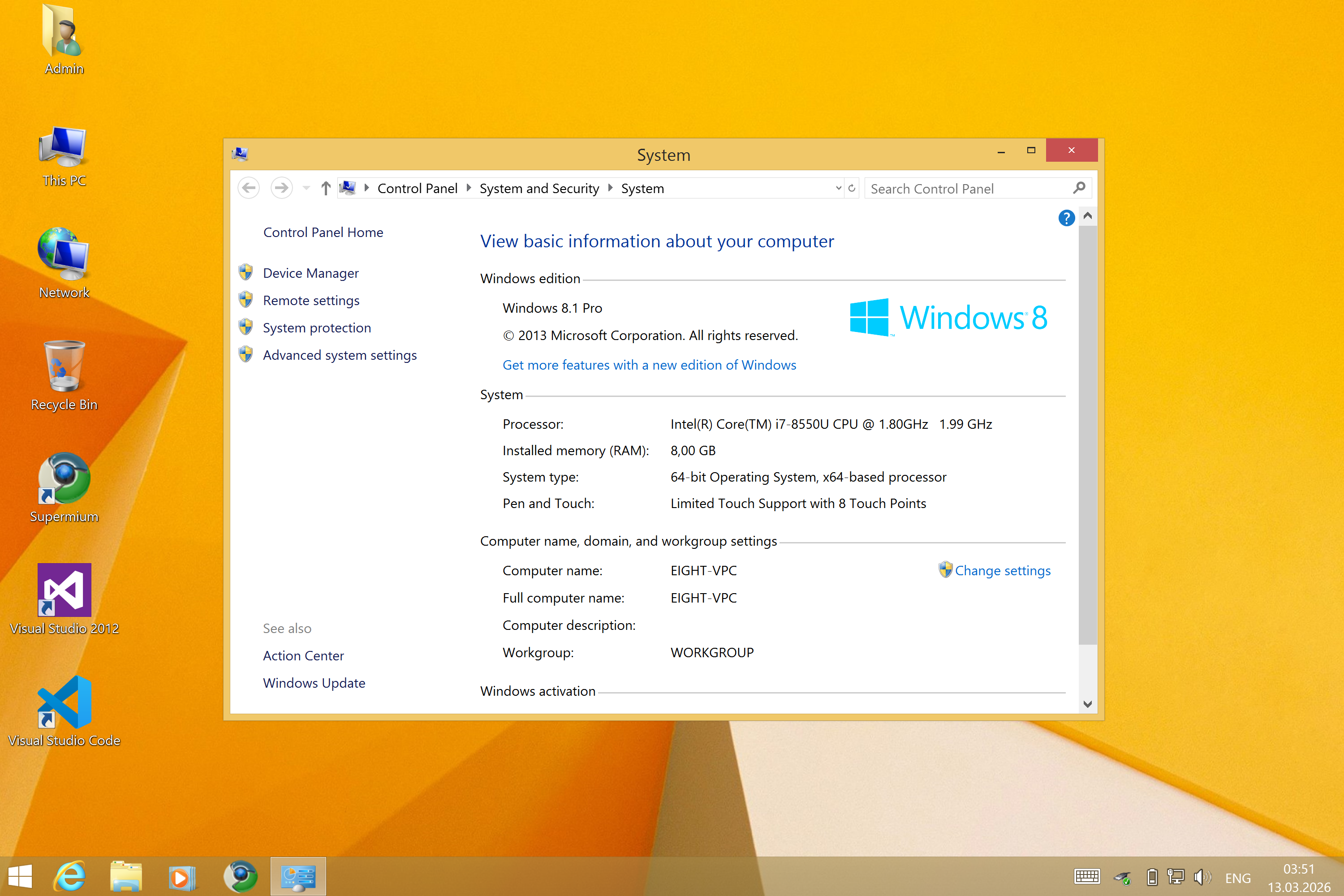
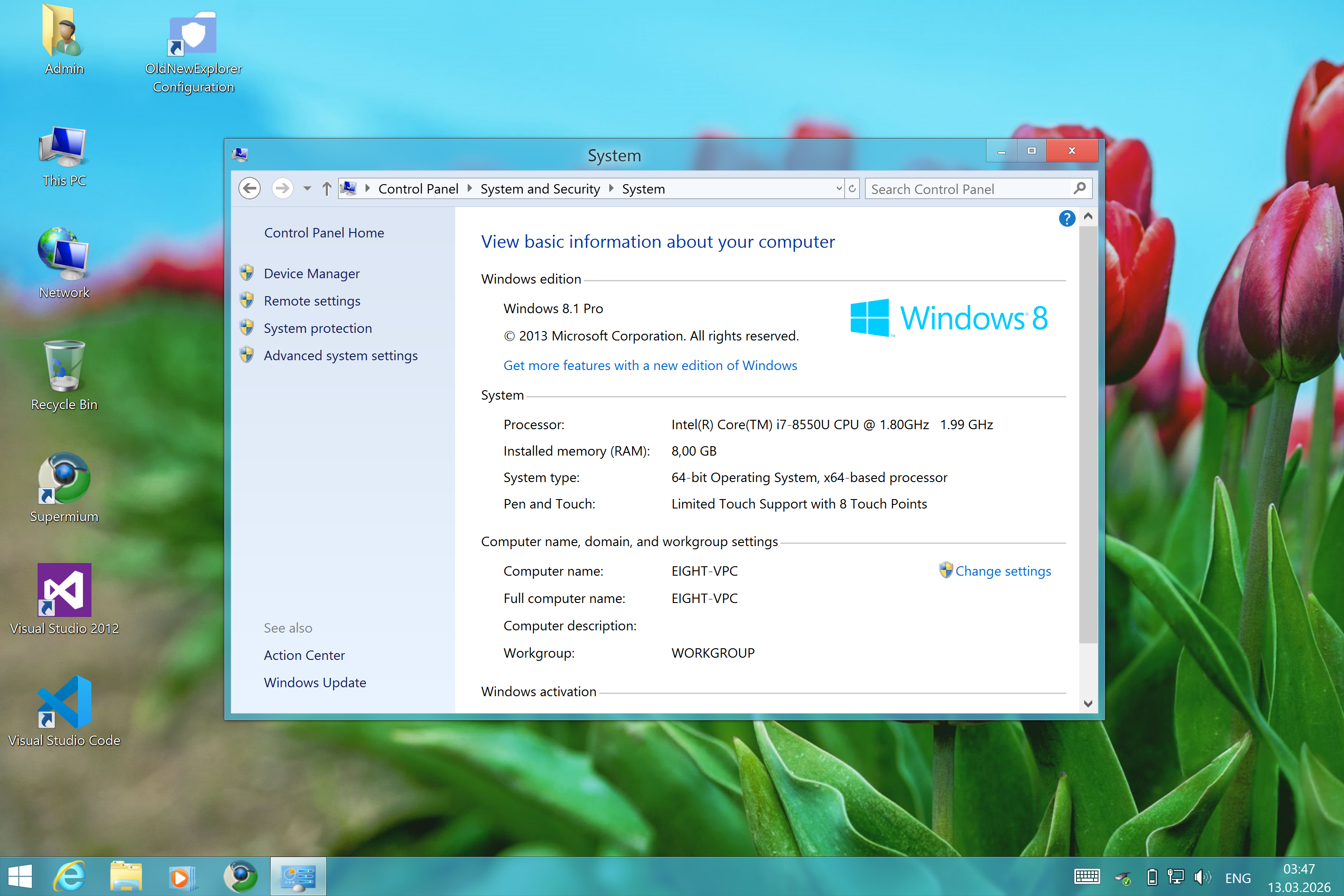
Programs and modifications which can be installed
- Theme itself by yash12396 on DeviantArt
- Aero Glass for Windows 8.1 by Big Muscle
- OldNewExplorer by Tihiy
- Choice of two UXTheme patchers
- UltraUXThemePatcher by Manuel Hoefs
- UXThemeSignatureBypass by Big Muscle
- Quero Toolbar for Internet Explorer
- replacing Windows 8.1’s UIRibbon.dll and UIRibbonRes.dll
- original sound scheme of Windows 8 Release Preview
- 8GadgetPack by Helmut Buhler
- 7+ Taskbar Tweaker by Ramen Software
System requirements
- Windows 8.1, 32-bit or 64-bit, preferably fully updated
- Administrator rights
- .NET Framework 4.5.2 or higher
- a graphics card supporting Aero transparency effects
Download
Please select one of these files to begin downloading
Version 1.0 beta
[what changed?] [SHA256/512 hashes]
Version 0.2 beta
 setup_w8rpconv.exe
59.8 MB- SourceCode.zip
46.4 KB
Windows8.1LoginScreenFix
also known as Windows 8.1 Profile Picture Login Screen Fix
Description
This program is available in following languages: English, Español (España), Français (France), Português (Portugal)
Short description: This tool fixes the missing profile picture(s) on Windows 8.1’s login screen.
Long description: As you may recognise, your profile picture, on a fully updated Windows 8.1, won’t show on the login screen. That means, if you start your PC, or want to log in after logging off, or after locking your account, you will see only a generic user icon for your profile picture, instead of your profile picture. Even if you have them set up and you see it being logged in. On a multi-user environment, you won’t see any profile picture either. This is what the login screen will look like, even if this user has a profile picture set:

That is where this tool comes in handy: It will add a missing registry key called Image200, where the path to the image file for the profile picture is being stored. The file itself exists, but the link to this file is missing.
This program will recognise which users have a missing profile picture on the login screen, so that the fix will be applied only to those users. It gives you even the choice to fix it for your account only, or all users at the same time.
Your login screen after the fix being applied:
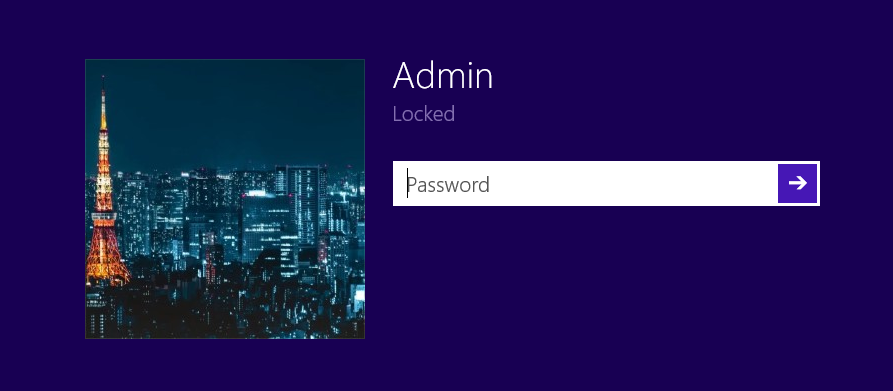
Pictures
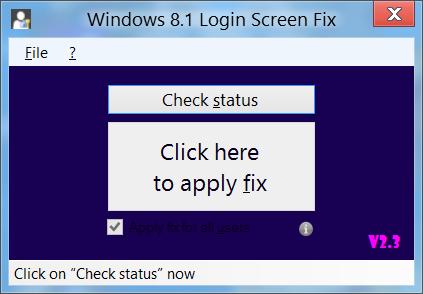
Please click on this picture to enlarge it
System requirements
- Windows 8.1, 32-bit or 64-bit, preferably fully updated
- .NET Framework 4.5.2 or higher
- Administrator privileges
Download
There are two options available: the launcher and the bare .zip file. I’ve created a launcher which extracts the zip file to a folder called winbluelsppfix in the directory where the launcher is. If the folder can’t be created in the path of the launcher, you can choose the path to where the zip file will be extracted. The program will immediately launch.
Please select one of these files to begin downloading
Version 2.3
[what changed?] [SHA256/512 hashes]
- winbluelsppfix_launch.exe
485 KB - winbluelsppfix.zip
326 KB - SourceCode.zip
7.63 KB  Browse through source code on GitHub
Version 2.2
[what changed?] [SHA256/512 hashes]
Version 2.1
[what changed?] [SHA256/512 hashes]
Version 2.0
[what changed?] [SHA256/512 hashes]
Version 1.0
